
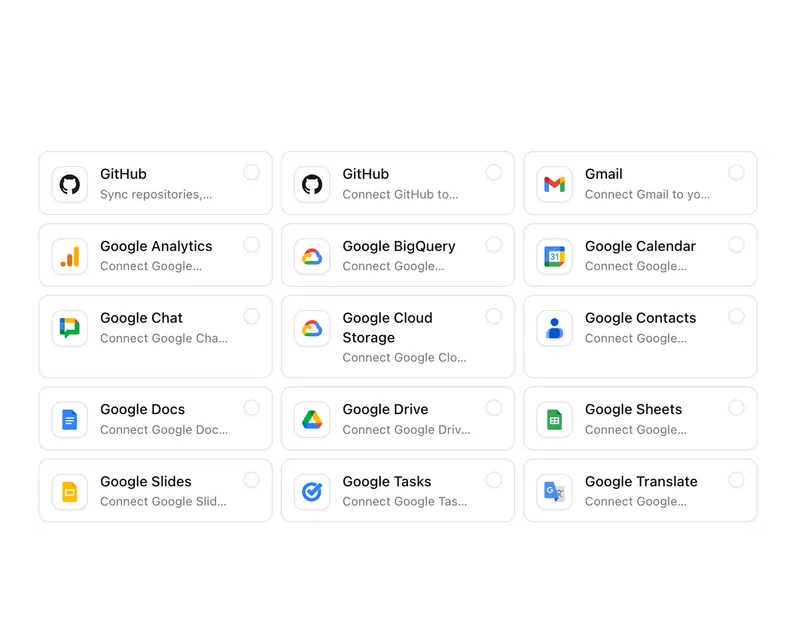
24 services from Google, Microsoft and GitHub
Gmail, Drive, Sheets and Calendar, Outlook, Teams, OneDrive and SharePoint can be connected, through Pharen from the Team plan up. Agents and workflows then work with your data there.

ModulesWorking with AI
AI agents work alongside you, and you approve.
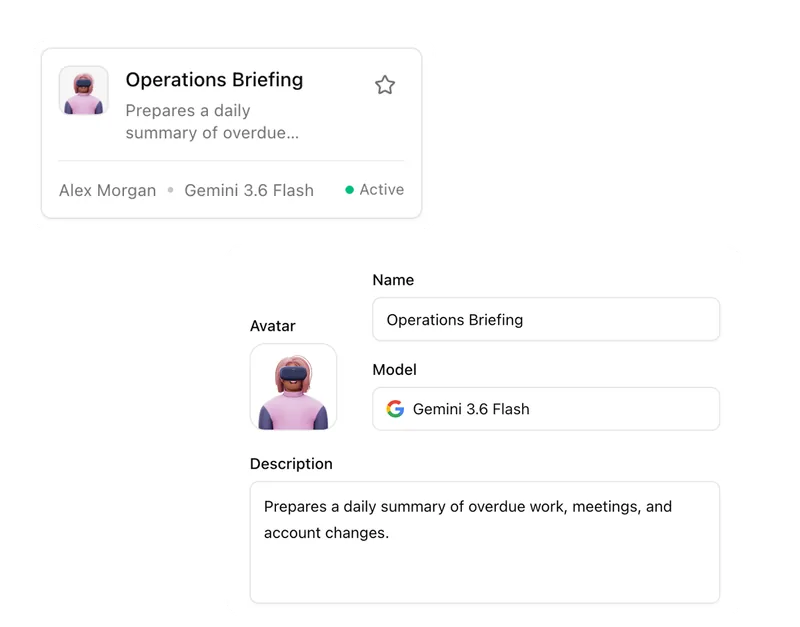
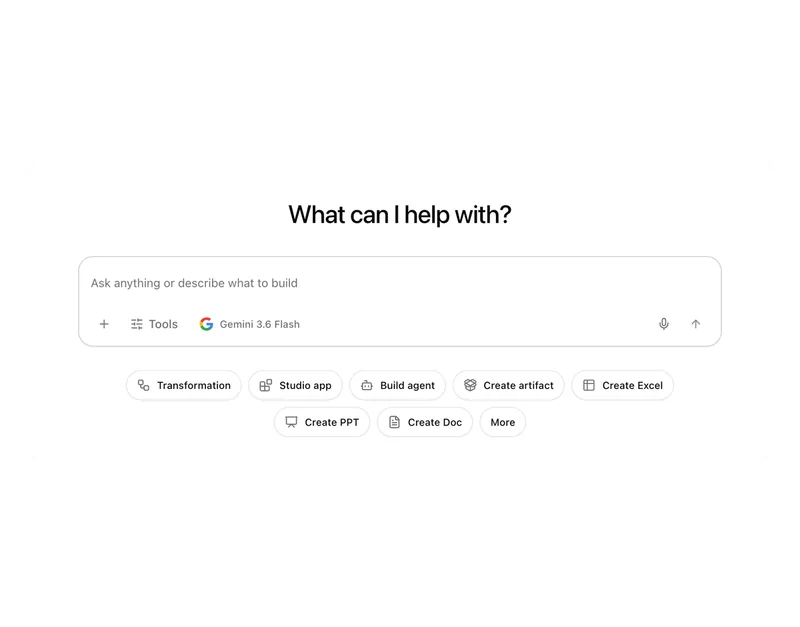
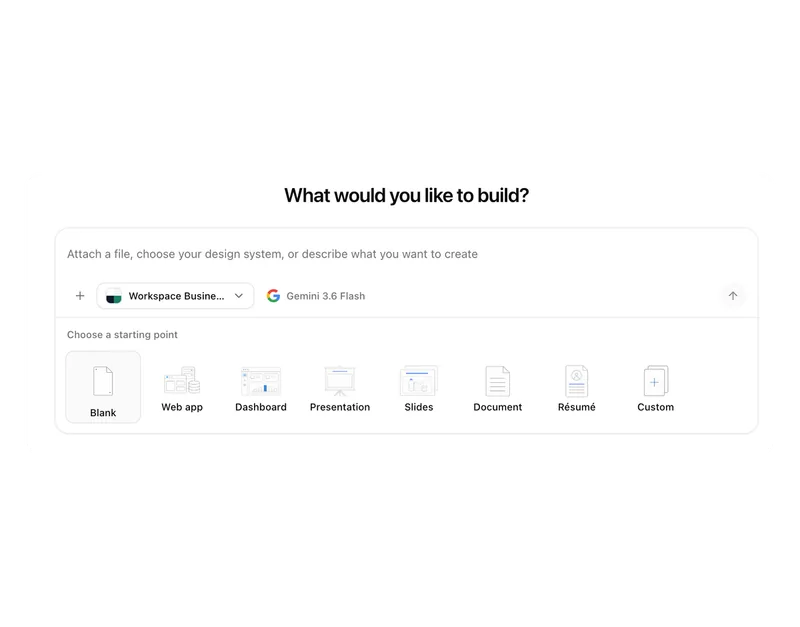
Describe the task in your own words, and Pharen turns it into an agent. In the builder you check its instructions, knowledge, tools and approvals before it starts.
Gmail, Drive, Sheets and Calendar, Outlook, Teams, OneDrive and SharePoint can be connected, through Pharen from the Team plan up. Agents and workflows then work with your data there.
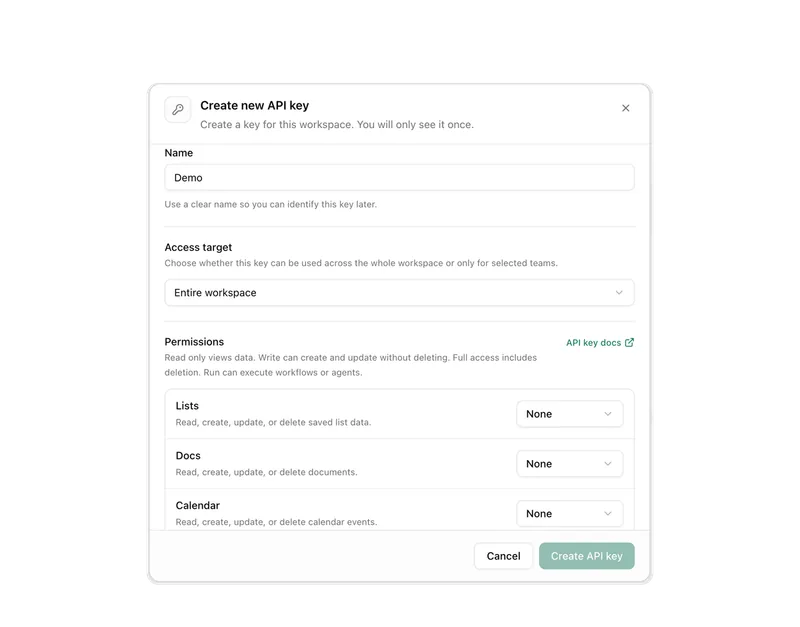
With an API key, tools like Codex or Claude Code access your lists, documents and workflows.
Current use case: 1 / 6
Sales
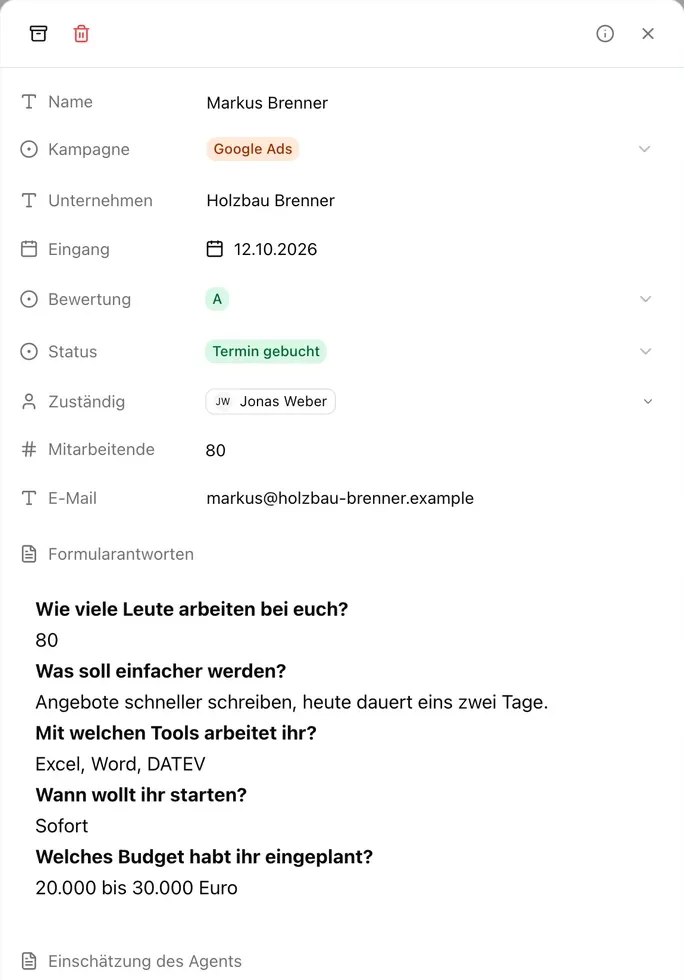
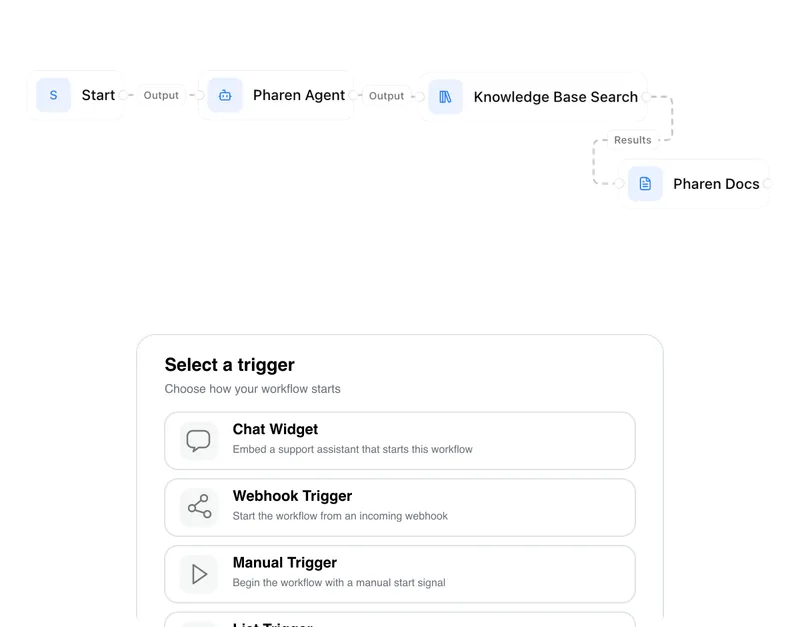
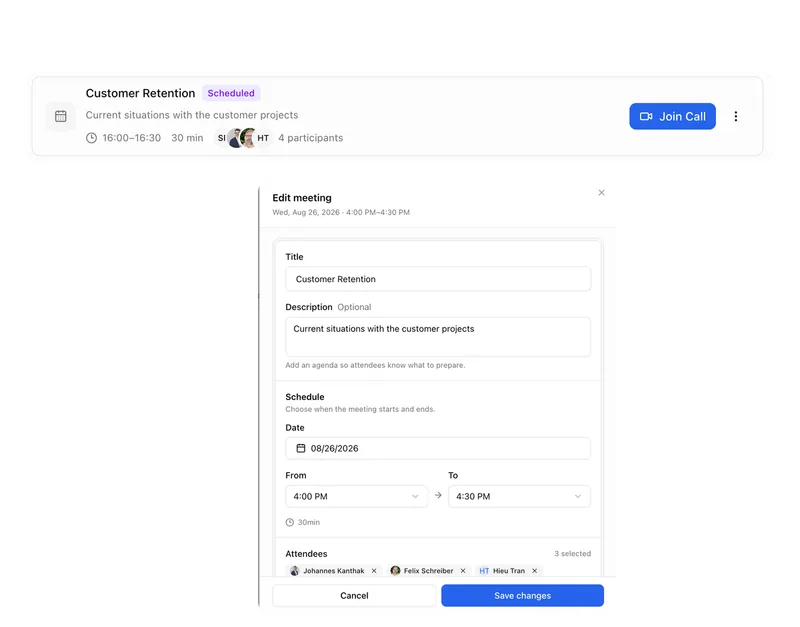
New requests land in a list. An agent scores them, and a workflow passes the good ones to sales with a meeting and a draft reply.
Sales
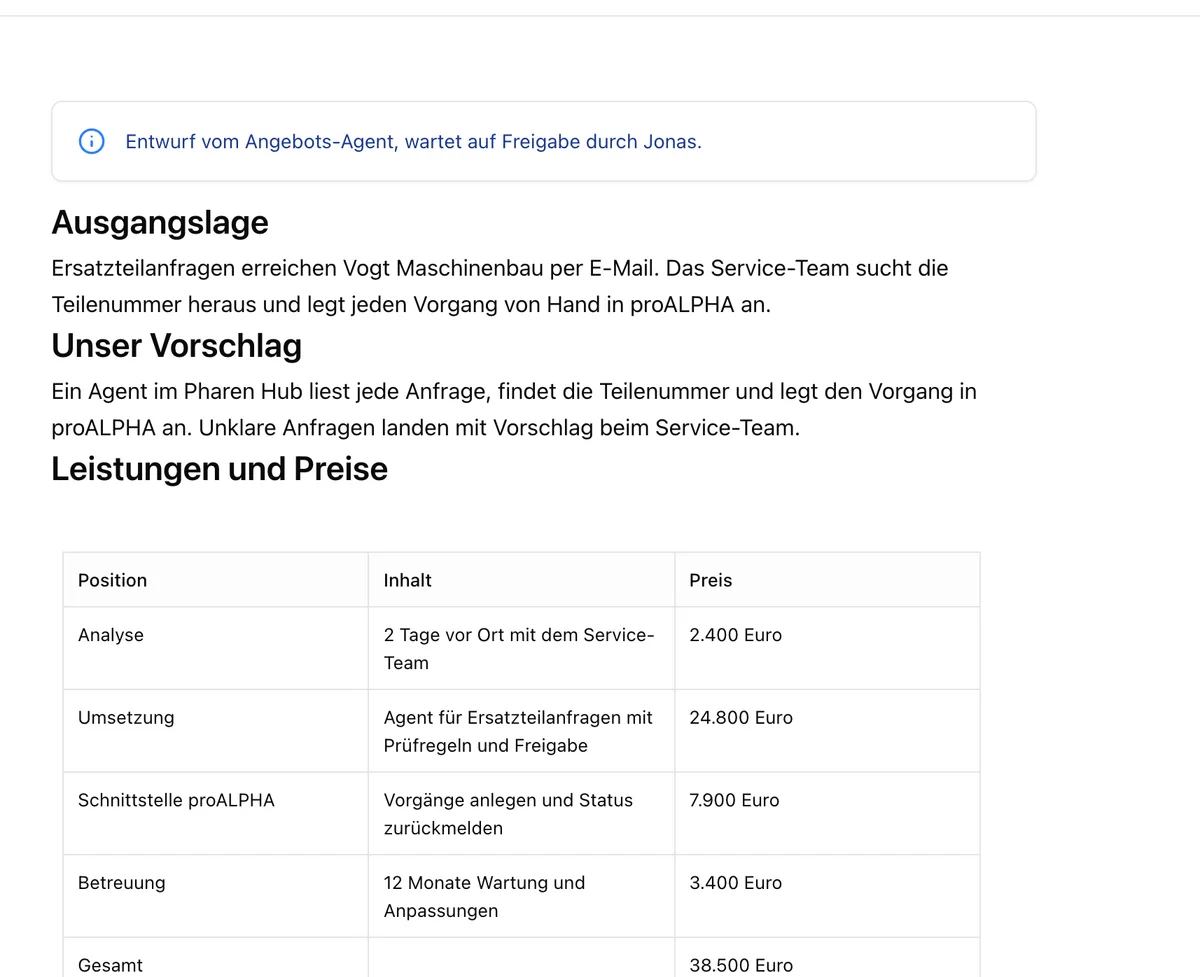
When a deal is qualified, one agent writes the company profile and a second writes the proposal from your template. Sales approves it in the channel.
Service
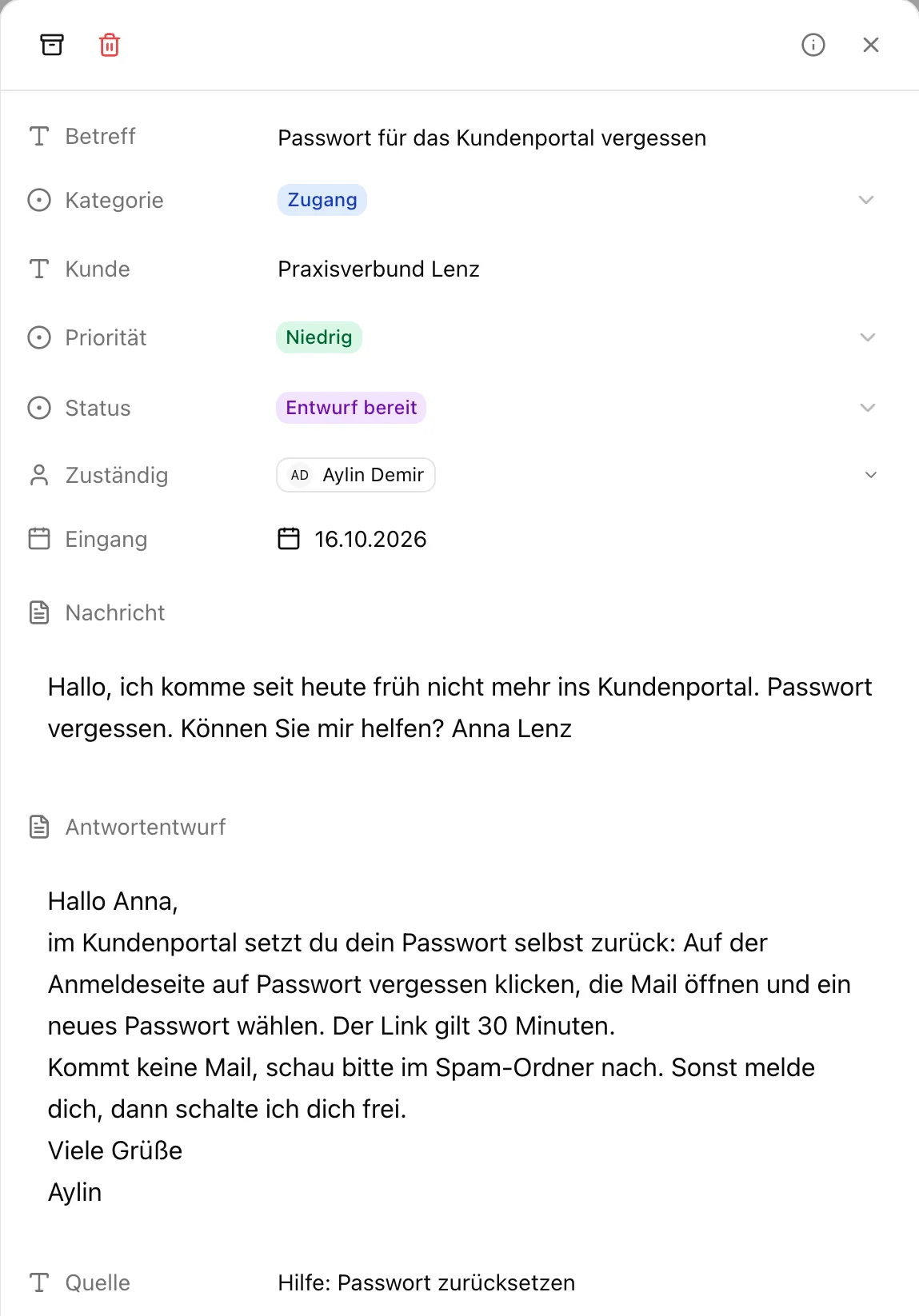
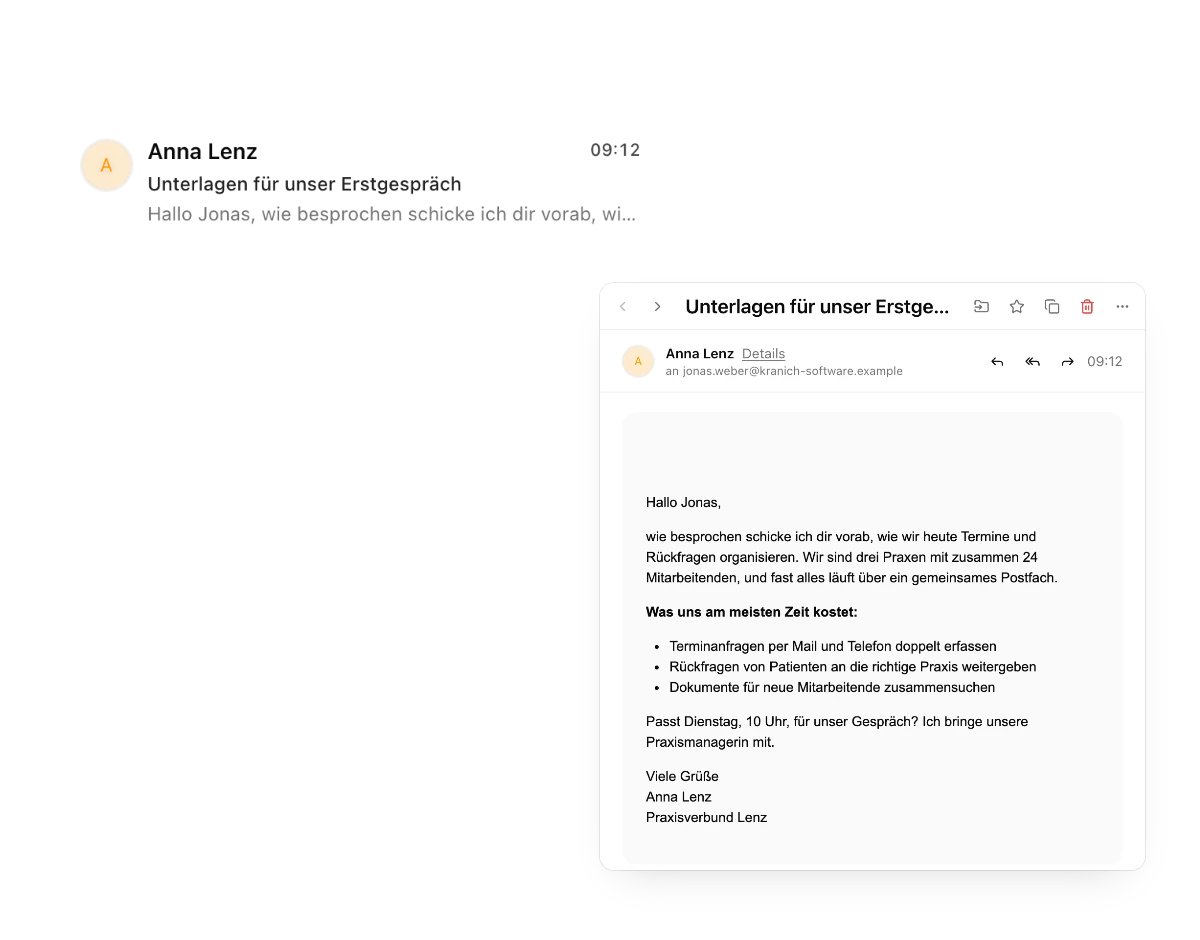
New requests are categorized. An agent drafts replies from your help articles, bugs go to engineering and complaints go to a person.
Finance
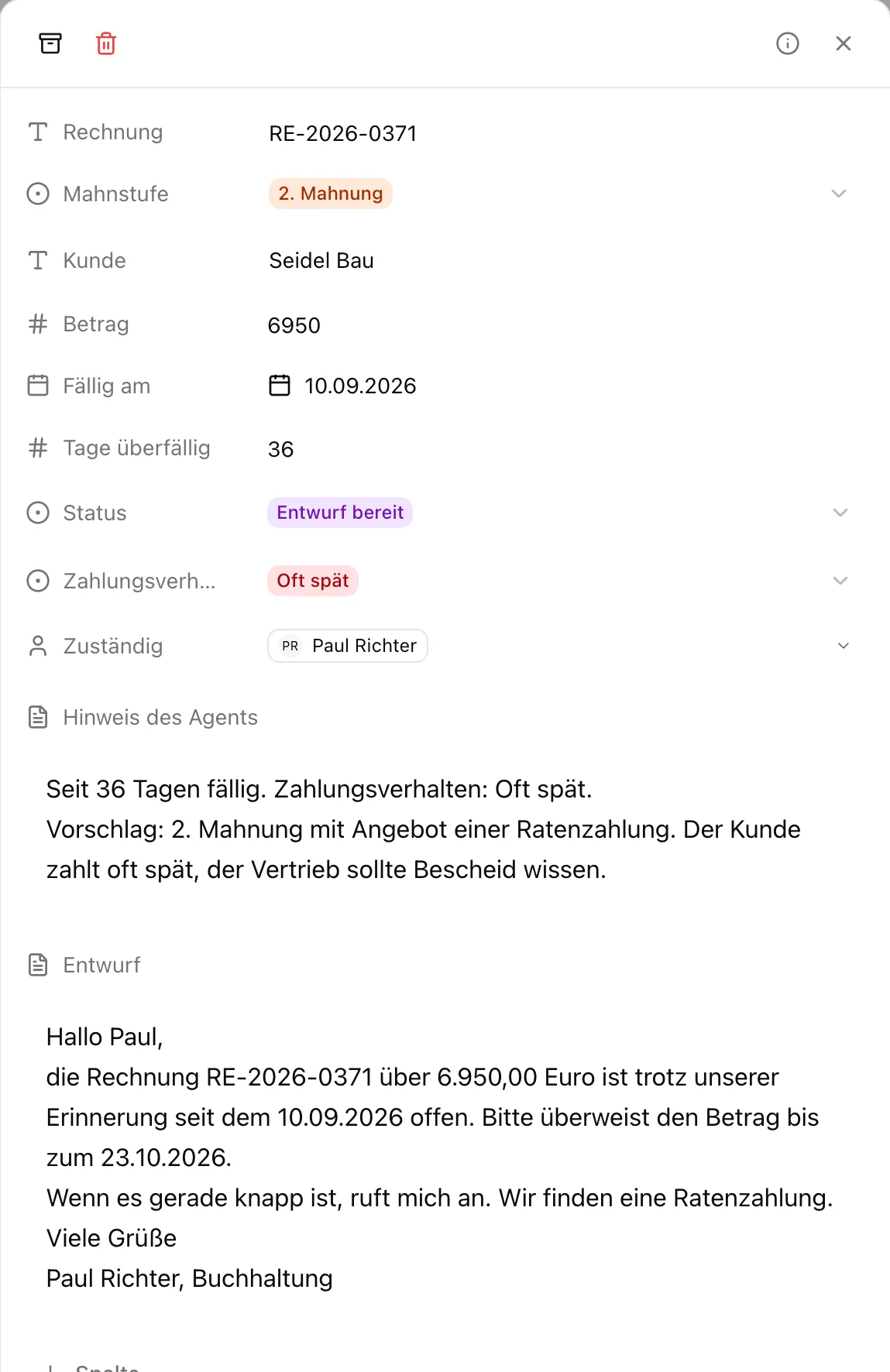
Every morning an agent checks the open items, suggests the dunning level and writes the reminder. Accounting approves it, and sales hears about late payers.
Leadership
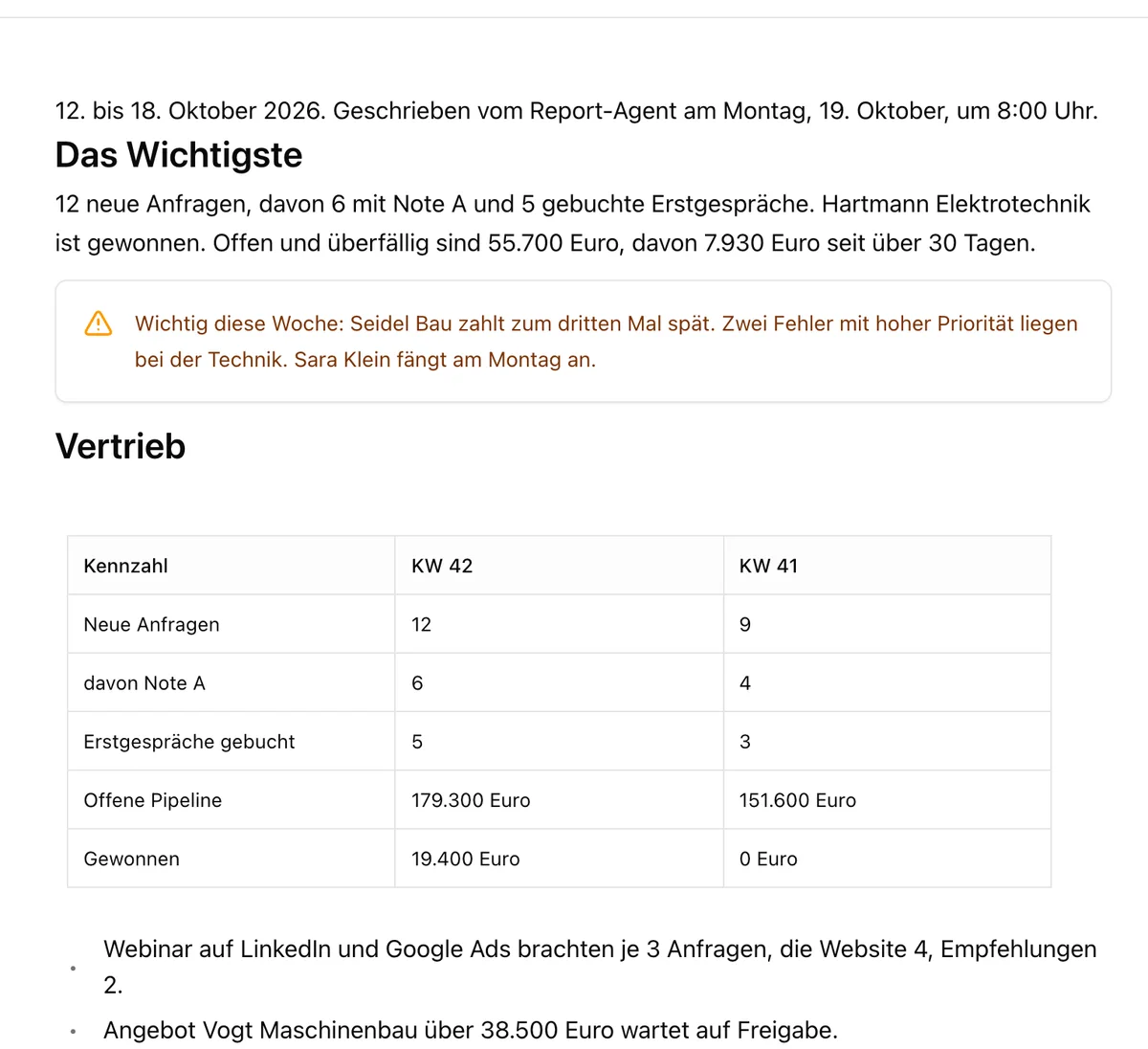
Every Monday at 8 a.m. a workflow collects the figures from four lists. An agent writes the report, and leadership receives it in the channel.
People
A new person in the list starts the onboarding: tasks, meetings for the first week, a welcome in the channel and an agent that answers questions from the handbook.
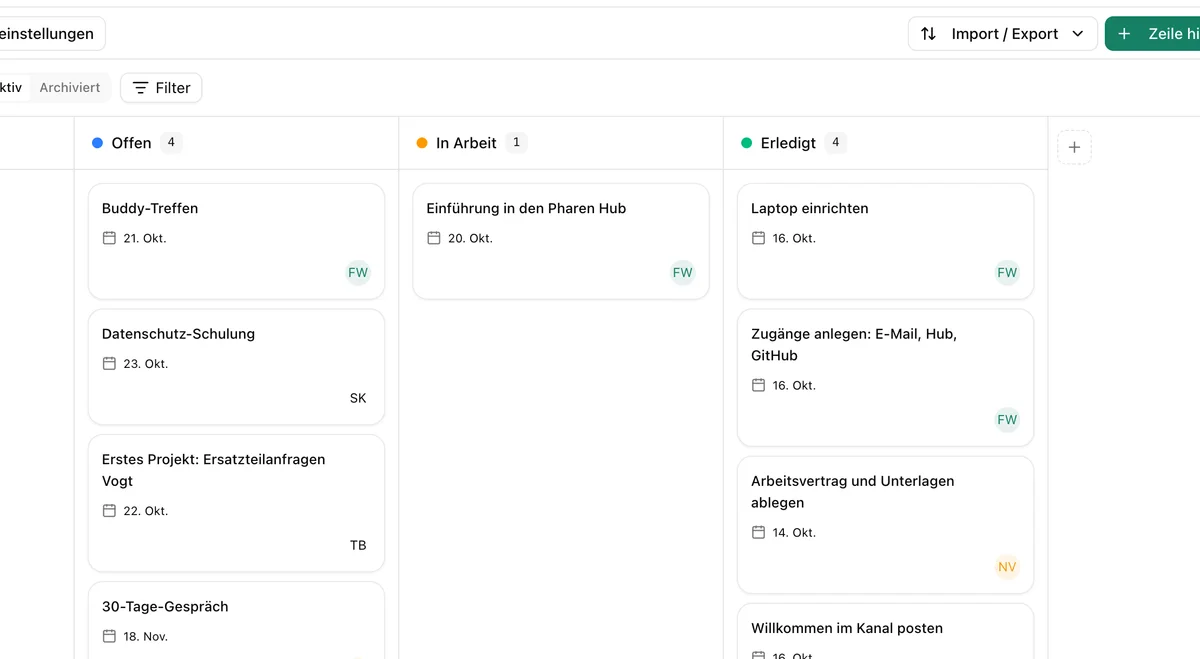
For every tool an agent has, you decide whether it uses it automatically, only after your confirmation or not at all. Critical follow-up actions wait until a person approves them.
All of them. Every plan includes all ten modules, and the plans differ in members, teams and extras. When you create a workspace, you top up AI credit, on the Free plan too.
Sign in at pharen.app. Agents is in the sidebar of your workspace.
Current module: 1 / 9
With your consent we use Google Analytics cookies to measure visits. Data may go to the USA. Withdraw at any time for the future under “Cookie settings”. Details: privacy policy and legal notice.
Cookie settings
Necessary
The cookie “pharen_einwilligung” stores your choice for six months.
Google Analytics by Google Ireland Limited measures how this site is used. To do so it sets the cookies _ga and _ga_*, which are stored for up to two years. Google may transfer data to the USA.
